Veeam · Software · YoctoIT tech page

Backup Salesforce

The CRM protected: data AND metadata restorable at fine grain — so a data load mistake doesn't become the end of the pipeline.

FOCUS · THE CRM HAS A SMALL RECYCLE BINRecords, hierarchies and metadata: the Salesforce truly restorable
YoctoIT material for clients and partners · Veeam, Kasten, Coveware and the other products mentioned are trademarks of Veeam Software.
01 · What it is

Backup for Salesforce, made clear.

The number one risk on Salesforce isn't the disaster: it's the wrong data load, the flow gone mad, the integration overwriting ten thousand records — and the native recycle bin that isn't enough. Veeam copies data AND metadata (fields, flows, permissions) and restores at fine grain, hierarchies included: the record with its world around it.

Dati+metadati
flows, fields and permissions too: the CRM is configuration, not just records
Gerarchie
the account restored WITH its contacts and opportunities: the relationships intact
Self-hosted
the backup in your perimeter: the CRM data under your control
Backup for Salesforce
OFFICIAL VEEAM BRANDING · SALESFORCE BACKUP
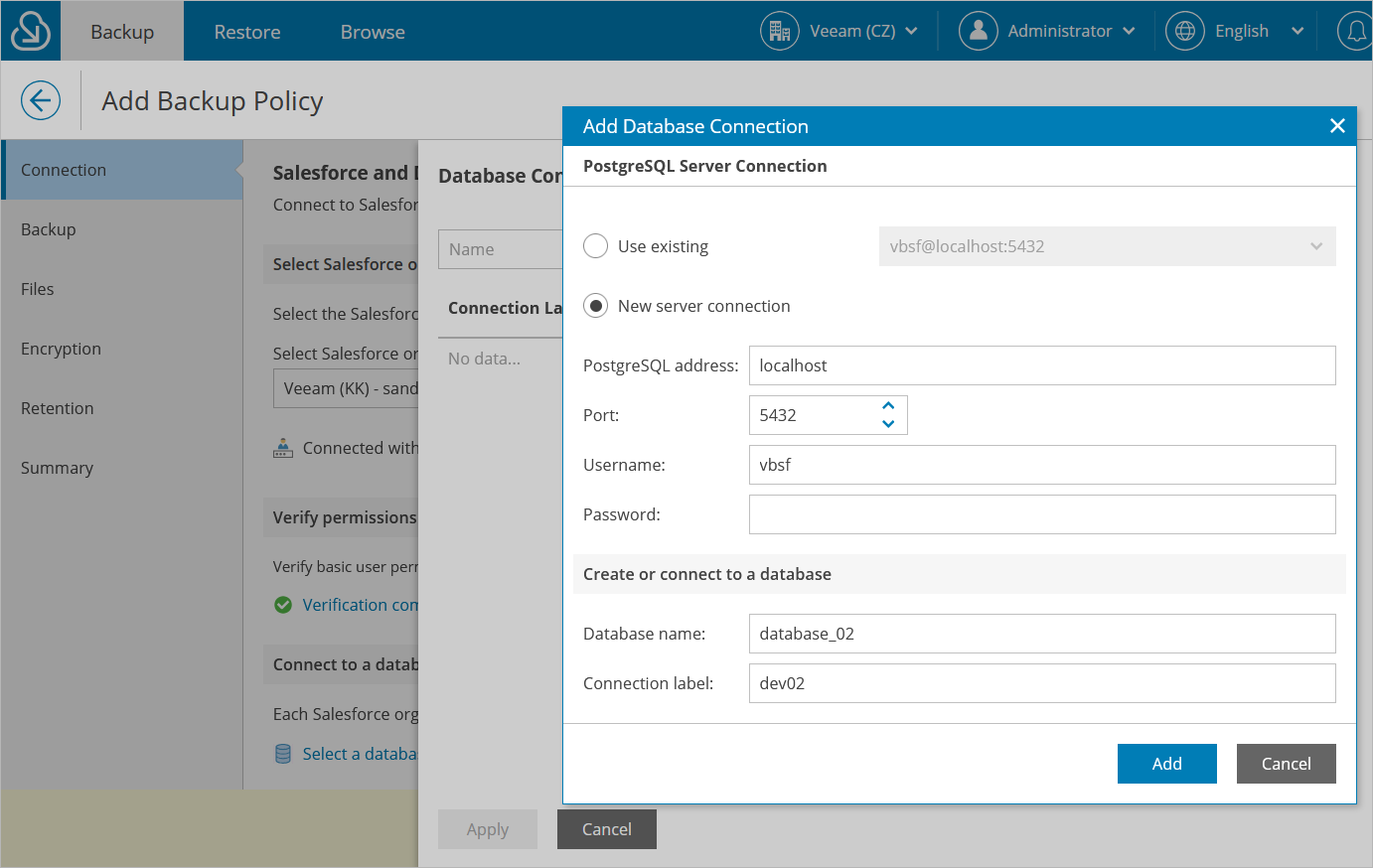
CONSOLE REALE · BACKUP FOR SALESFORCE · FONTE: VEEAM
REAL CONSOLE · BACKUP FOR SALESFORCE · SOURCE: VEEAM
02 · How to use it well

The things that make the difference.

The protection

The Salesforce orgsales, service, custom
Records & files
Metadata
Sandbox seeding
data · configuration · environments
Compare & granular restorewhat changed, what to put back
The repository in your perimeterout of the platform
The CRM with a replay

The data load forgiven

The wrong import compared and undone: the ten thousand records return as they were.

Versioned metadata

The flow that worked yesterday: the configuration needs history too.

Frequency on the risk

The hot objects (opportunities, cases) copied often: the CRM's RPO decided, not suffered.

Realistic sandboxes

The seeding from the backups: you test on real data, masked where needed.

03 · In depth

The Salesforce data: backup out of the SaaS

Backup for Salesforce protects the CRM's data and metadata (objects, files, fields, relationships): it runs wherever you want (VM, cloud, on-prem) with the data on your storage, the policies separate frequencies per object (Accounts every hour, logs every day), the restore is granular with the hierarchies respected (the Account returns with its Contacts and Opportunities), the compare shows what changed between points; the metadata too (flows, layouts, permissions) can be restored: the deploy mistake gets undone.

  • Dati + metadati — records AND configuration: the wrong deploy gets rolled back
  • Gerarchie — the restore that respects the relationships: the Account with its children
  • Storage tuo — the CRM data out of the SaaS, under your control
  • Policy per oggetto — targeted frequencies: the critical every hour, the rest at a rhythm
  • Compare — the diff between points: what changed, who changed it
  • Sandbox seeding — the test data from the copies: testing on real data, maskable
04 · Numbers and lifecycle

The numbers that matter.

1h
the RPO possible on the critical objects
100%
of the relationships preserved in the restore
0
dependency on the Salesforce recycle bin (15 days and goodbye)
API
the consumption governed: the backup that doesn't saturate the limits
The CRM is the commercial ledger: policies, storage and restores tested — the Salesforce data with a safety net.
05 · Use cases

Where it really pays off.

Mission-critical orgs

The commercial pipeline that can't be lost.

Active integrations

MuleSoft and data loaders: the more automation, the more you need the replay.

Customer data compliance

Retention and restores documented.

On Salesforce the typical incident is self-inflicted: the granular backup is the undo button — we keep it loaded.