Citrix · Software · YoctoIT tech page

Workspace app

The single client on every device: desktops, apps and files with single sign-on — the entrance to work, the same everywhere.

FOCUS · ONE ENTRANCEFrom a PC, Mac, tablet or thin client: the same work, the same login, the same experience
YoctoIT material for clients and partners · Citrix, NetScaler, HDX and the other products mentioned are trademarks of Cloud Software Group, Inc.
01 · What it is

Citrix Workspace app, made clear.

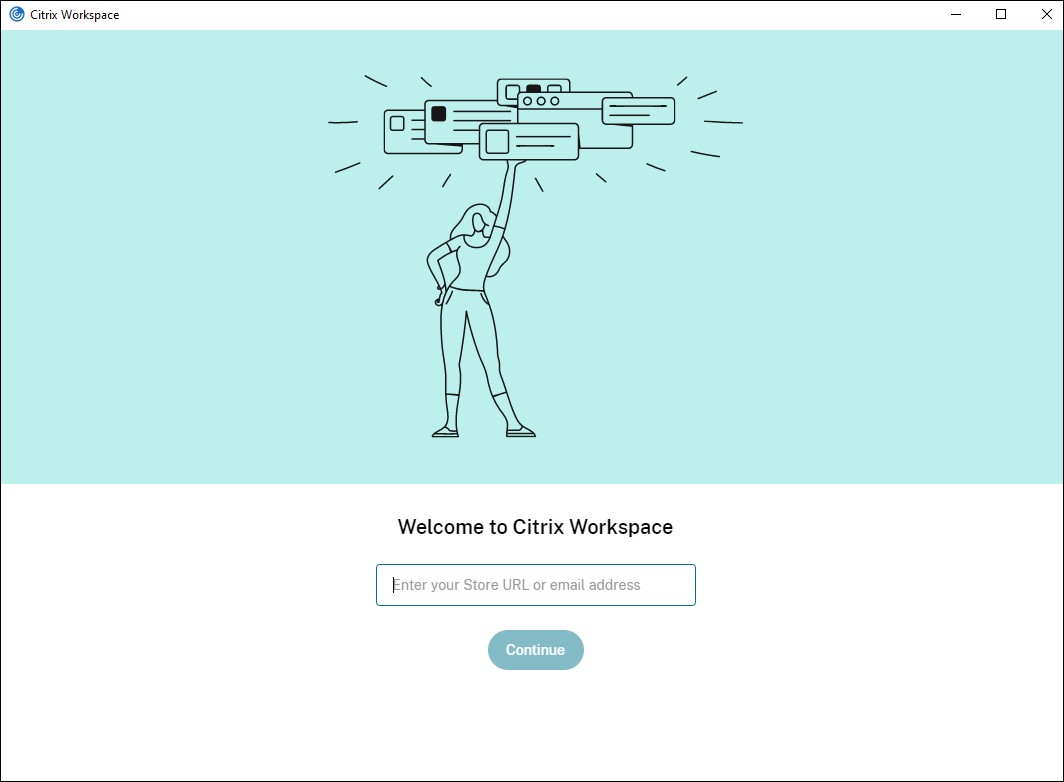
The Workspace app is the user's front door: one client for Windows, Mac, Linux, iOS, Android and thin clients, with the desktops, the virtual apps, the web apps inside — and a single login (SSO). The user changes device, the work stays identical: the session detaches from the office PC and resumes from the tablet.

Ovunque
Windows, Mac, mobile, thin clients, browser: one client, all the doors
SSO
one login for everything: desktops, apps, SaaS
Roaming
the session follows you: it detaches here, it resumes there
Citrix Workspace app
OFFICIAL CITRIX BRANDING · WORKSPACE APP
APP UFFICIALE · CITRIX WORKSPACE APP · FONTE: CITRIX DOCS
OFFICIAL APP · CITRIX WORKSPACE APP · SOURCE: CITRIX DOCS
02 · How to use it well

The things that make the difference.

The experience

The user and their devicesPC, home, tablet, kiosk
Virtual desktops
Published apps
Web & SaaS
everything in the same place
SSO & policies per devicethe right access per context
The company storethe catalog of work
The workplace, portable

Governed versions

The client updated in rings (LTSR where needed): the new feature without Monday surprises.

Policies per device

From the corporate PC everything, from the BYOD the right amount: clipboard, printing and drives per context.

The browser as fallback

The HTML5 client for the makeshift device: work possible even without installing.

Onboarding with one link

The store configured via email/URL: the new colleague operational in five minutes.

03 · In depth

The client: everywhere, governed

The Workspace App is the point of contact: clients for Windows, Mac, Linux, iOS, Android, ChromeOS and the no-install HTML5, the Global App Config Service pushes the settings from the cloud (no GPOs on unmanaged devices), the auto-update is governed by channels, the Composite/StoreFront aggregates apps and desktops; on thin clients and Raspberries the footprint is minimal: the endpoint's lifecycle stretches, the data stays in the data center.

  • Multi-piattaforma — from Windows to the Raspberry: the same access everywhere
  • HTML5 — zero installation: the browser suffices (the hotel PC included)
  • Global App Config — the settings from the cloud on the BYOD too: without MDM
  • Auto-update a canali — the client updated without packaging
  • Thin client — the €100 endpoint that lasts 8 years: the data doesn't live there
  • Store unificato — apps, desktops and web apps in a single storefront
04 · Numbers and lifecycle

The numbers that matter.

7+
the native client platforms
0
data on the endpoint: the screen travels, the data doesn't
8
years of a thin client's typical life: the PC refresh rethought
cloud
the configuration: no GPOs on the unmanaged
The endpoint becomes a commodity: the client, thin and BYOD strategy designed by us — the data stays where it must.
05 · Use cases

Where it really pays off.

A mobile workforce

The same environment from every place and means.

Governed BYOD

The personal device, the work protected.

Thin clients & kiosks

The fleet poor in maintenance, rich in function.

The user remembers one thing only: where you get in. The rest we make sure is ready.